


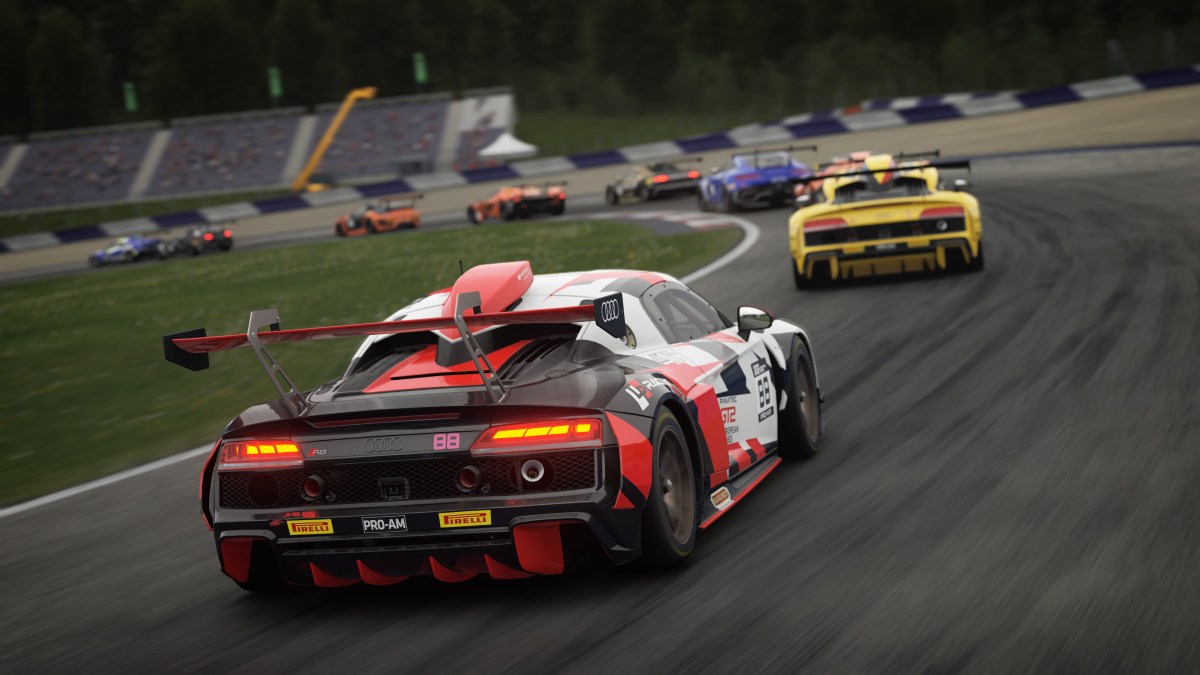
Assetto Corsa is arguably better looking than iRacing. Also, there is extensive mod support behind Assetto Corsa that allows you to completely change the look and feel of the game. However, not everyone enjoys super-realistic graphics and crazy weather conditions. After all, iRacing was never about the graphics; it’s all about sim racing.
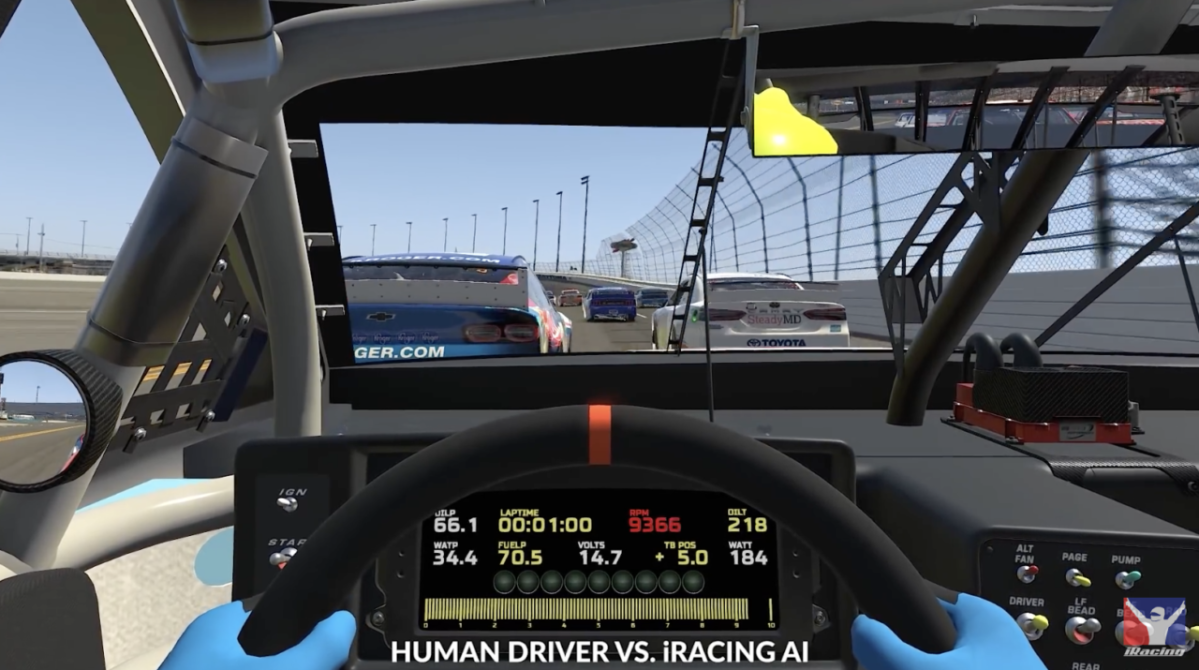
But some of us prefer the raw and unfiltered look of iRacing, as it makes the game feel like an actual simulator.
Well, this is what this guide is all about: Converting Assetto Corsa graphics to look more in tune with that of iRacing, giving you that raw feel you have been looking for.


Operation Sports App
Your ultimate companion for sports gaming. Access in-depth coverage, thoughtful discussion, and a community built around the games—and sports—you love.
Your ultimate sports gaming companion.
Step 1: Download The Prerequisites
To make Assetto Corsa look like iRacing, there are two tools or mods that you need to download.
Content Manager

Content Manager is basically a mod manager and launcher for Assetto Corsa. It’s required for any mods or customization that you want to make to the game. Thankfully, setting up Content Manager isn’t too difficult. Just follow these steps:
- Download Content Manager from their official website
- After downloading the zip file, extract it.
- You will see two files, Content Manager and Manifest.
- The Content Manager will now be your main launcher for the game, so move it to somewhere you can easily access it.
- Next, open it up.
- There is a chance that you will see another file appear by the name of Content Manager Update when you first open Content Manager. If that’s the case, close Content Manager and open the update file. After a moment, the Content Manager will automatically open.
- Next up is a bit of setup. First, you need to add the Assetto Corsa game file location. You can either find it on Steam or manually browse it on your PC. Just add it when you find it.
- Content Manager will automatically get your Steam ID.
- Then, change the player name to whatever you like; this will be your gamertag.
- Then, download 7-Zip and CefSharp from the plugins menu below.
Once you are done, hit OK, and Content Manager will open. Don’t get intimidated by the UI. I will guide you through the steps.
Custom Shaders Patch Or CSP
Custom Shaders Patch is another essential mod that allows you to install PP or Post Processing Filters. Follow these steps to install CSP. You don’t even need to open your browser to download it; Content Manager gives you the option to download it in the launcher.
- Navigate to Settings from the top nav bar.
- Then look for the Custom Shaders Patch tab; it will take you to its page inside Content Manager. Click on Download Custom Shaders Patch on that page.
- Once downloaded, you will see a lot of settings pop up, but we don’t need to go through them.
The thing is, since we are trying to go for a raw and unfiltered look, we don’t need extensive and realistic PP filters.
Step 2: Installing The iRacing PP Filter
Next up is downloading the actual filter. First, you need to go to Overtake.gg and sign up for an account. It’s free and shouldn’t take you more than a couple of minutes.
Next, download the PP filter from this Overtake link. Once downloaded, extract the zip, and you will see a config file.
Now, launch Content Manager if it’s not open, and then navigate to the settings. Click on Assetto Corsa and then Video Settings in the left nav bar. Drag the file you extracted into the Content Manager, and it will automatically set the video settings for you.
You can adjust and tweak if you want or launch the game as is. The game should now resemble iRacing with its raw and unfiltered look. If graphics are all you want, this is all you need to do.
Step 3: Setting Up A HUD

But if you want a cool HUD that shows you information like speed, gear, brake balance, throttle/brake telemetry, and more, then you need to download the mods for that.
We will be choosing the Race Hud Mod by rolpie, but there are plenty of other mods you can try, each with its own pros and cons. The download instructions are available on the mod page, but here is a quick overview.
- Download the mod from the link attached above.
- A zip file will download. Once it’s done, drag it into Content Manager.
- Just follow the prompts to download the mod. You can then completely configure it in Content Manager if you need more tweaking.
That’s pretty much it, from the visual side of things. Of course, you can go haywire with all the mods you want and try to make the game resemble iRacing even more, and turn it into the best racing game for your needs.



Published: Aug 27, 2025 02:00 pm