


Dribbling is naturally one of the most important elements of any offensive player’s game in NBA 2K25. Knowing how to dribble properly and get past defenders with your dribbling will take your game to the next level. However, dribbling effectively isn’t as easy as simply moving your joystick forward and pressing a few buttons in 2K25. Instead, if you want to ensure you have the best shot at breaking a defender’s ankles, you need to equip and pull off some combo moves while dribbling.
Combo moves allow you to fool defenders and dribble the ball by them. Combo moves aren’t always what you want to have in mind when you’re dribbling, but they can often be unexpected and take a defender off guard. Unfortunately, combo moves have been made more and more difficult to pull off since NBA 2K25 launched.
Where To Start With Combo Moves In NBA 2K25


Operation Sports App
Your ultimate companion for sports gaming. Access in-depth coverage, thoughtful discussion, and a community built around the games—and sports—you love.
Your ultimate sports gaming companion.
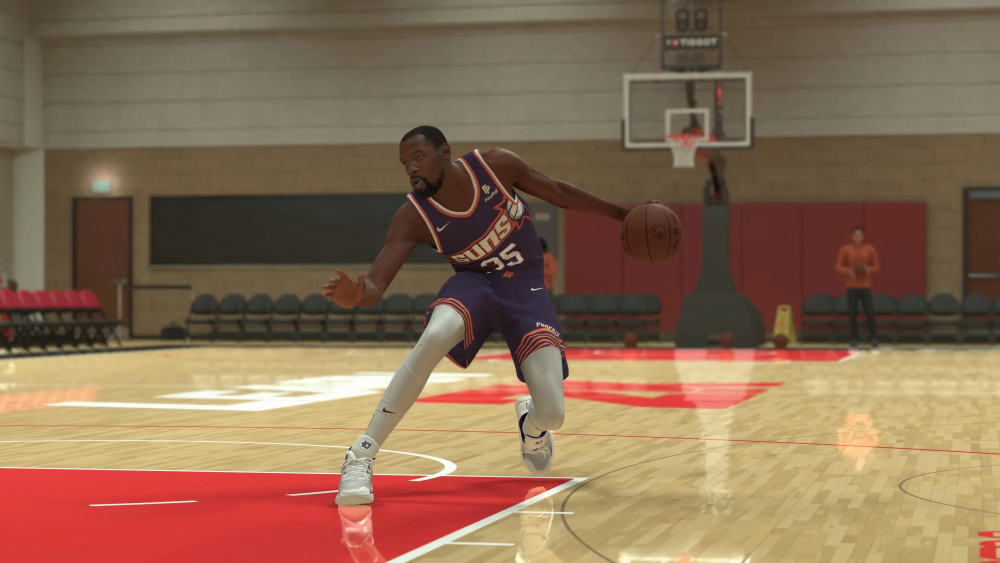
First and foremost, there are some things you need to take care of before trying to pull off combo moves with your MyPlayer in 2K25.
For starters, you want to head into MyCareer and go to the Gameplay Animations tab. Here, scroll over to the Playmaking Moves section and view all of the available dribbling animations you can change. The main animations you want to focus on are:
- Dribble Style
- Signature Size-Up
- Regular Breakdown Combo
- Aggressive Breakdown Combo
- Escape Moves
- Combo Moves
- Crossover
- Behind the Back
- Spin
- Hesistation
- Stepback
All of these animations determine how your combo moves look and feel when you attempt to pull them off. You can change each one of these animations to whatever player you prefer (or whichever player animation you have unlocked). There are certainly some better options for these animations, though.
For example, Darius Garland has been known to have the fastest Dribble Style, which certainly helps when trying to do combo moves. Also, the Combo Moves animation is naturally important to test out, as the player animation you equip needs to feel comfortable for you. Players like DeAaron Fox or Zach LaVine are popular choices, but test out the animations you have unlocked and see which one works for your game.
Every player has a slightly different combo move animation, but the buttons you need to press to activate those combos are the same.
How To Pull Off Combo Moves In NBA 2K25
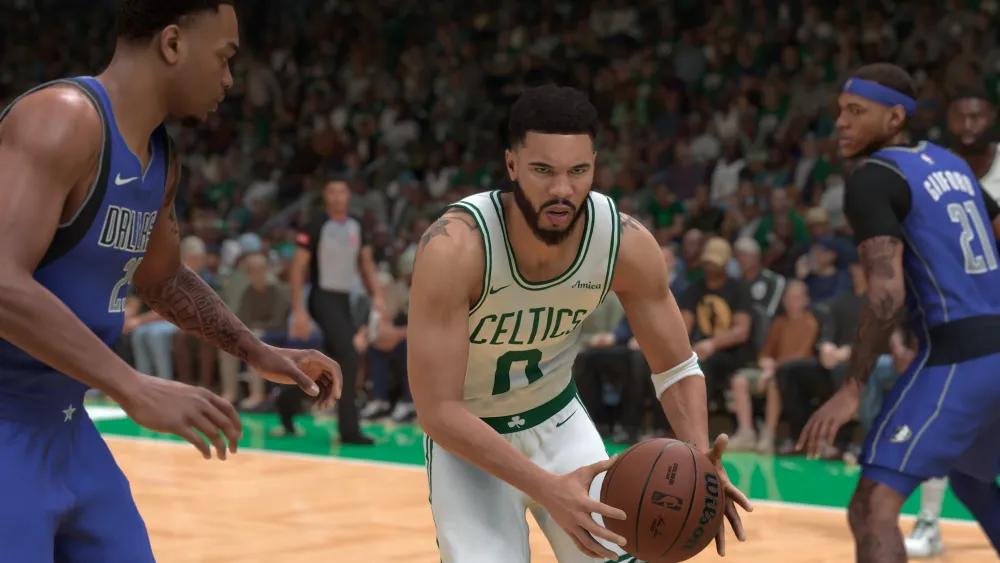
There are several combo moves you can do that all feature slightly different buttons to press. For the most part, though, you want to move your right joystick in the direction that you want the ball to go. So, for example, if you want to do a crossover combo while the ball is in your right hand, you do the following:
- Quickly flick the right stick to the left, then flick it back to the right. This needs to be done in one fluid motion; don’t stop to hear the click of each flick.
So, by flicking your joystick to the left and back to the right, your player bounces the ball from their right hand to their left hand and then back to their right. Alternatively, if your player has the ball in their left hand, you just reverse the direction you flick the joystick. So a left-hand crossover combo goes like:
- Quickly flick the right stick to the right, then flick it back to the left.
Your combo move also depends on whether you’re running or standing. If you’re running, you can only perform a combo while the ball is in your dominant hand. However, if you’re standing, you can perform a combo move from either hand.
While crossover combos are the most common combo moves in 2K25, there are all sorts of others you can pull off. For example, to pull off an Aggressive Breakdown Combo:
- Hold Turbo and flick your right stick straight up with the ball in either hand.
On the other hand, you can use a Regular Breakdown Combo by simply not holding Turbo and just flicking your right stick straight up.
The final combo we’ll go over is a behind-the-back, which can be done by:
- With the ball in either hand, flick your right stick down diagonally in the direction you want the ball to go. So if the ball is in your right hand, flick your right stick down diagonally to the left.
There’s a flurry of other combo moves in NBA 2K25, and they can all look different depending on what player animations you equip for your player. However, as long as you know the basics of dribbling and the foundation of how to do combo moves, you can start learning more and more about how they work and how to use them in a real game.
Of course, we suggest hitting the gym and trying out these combos in practice before you attempt them on a real player or even the CPU. Just go into the gym with your player, grab a ball, and start dribbling while hitting different combinations. This also allows you to see what player animations you prefer and which ones you might want to swap out.


Published: May 6, 2025 01:14 pm