


One of the biggest fears of any franchise player in Madden NFL 25 is your current progress not saving. Whether you just completed the season with a Super Bowl win or made a roster-altering trade, you always want to ensure that your progress has been saved and accounted for at all times.
While franchise mode does feature a manual save system that you can use at any time, players feel more at ease if there’s an autosave feature. If the game autosaves for you, then you don’t have to constantly worry about manually saving in Franchise.
Of course, Madden 25 doesn’t offer a definitive answer to whether an autosave feature is available in franchise, so allow me to explain.
Does Franchise Autosave In Madden 25?
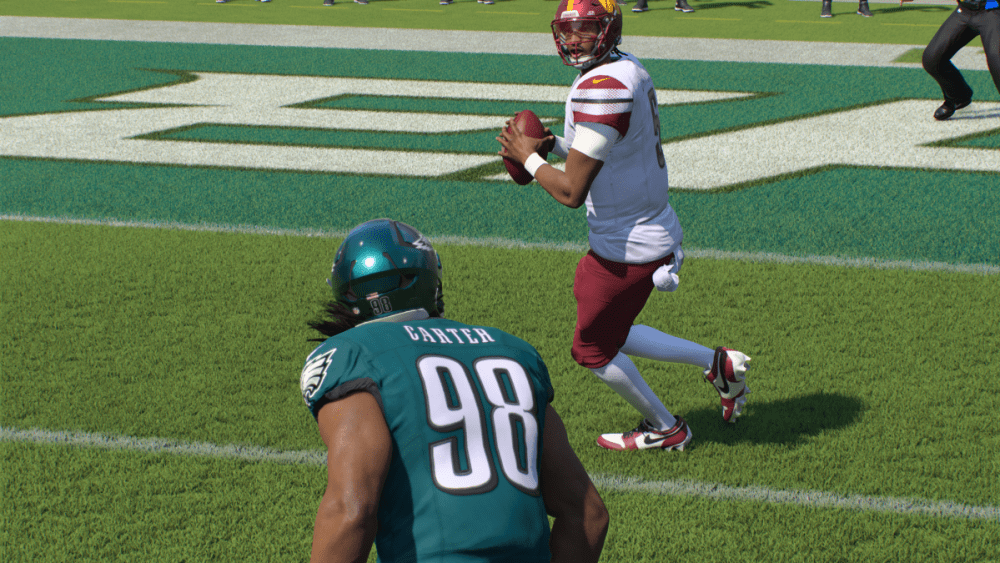
Fortunately, franchise mode in Madden 25 does have an autosave feature. The game will autosave your progress fairly often, so you shouldn’t ever have to worry about not saving a game or move you made. This applies to both online and offline franchises, so regardless of how you’re playing the mode, you will get the benefit of the autosave feature.
Now, whether this is a good or bad thing is ultimately up to you. Players in the Madden community have actually grown frustrated with the autosave since the game saves so much by itself. It seems like whenever something of interest happens in your franchise, regardless of how small, the game autosaves up to that point.
This can be especially frustrating if you try and go back through all your save files, as the game’s autosaves can take up pages and pages of saves that you have to dig through. It can also be annoying to want to work off one manual save, which most players do so they can go back to certain points and try out different things in franchise. If the game keeps autosaving, then your manual saves don’t really have any effect since your progress is being saved whether you like it or not.
Can You Disable Autosave In Madden 25 Franchise?

If you’re someone who doesn’t like the autosave feature in franchise,well, tough. Madden 25 doesn’t offer the ability to turn off autosaves in either online or offline franchise, so you have to find ways around the feature.
The best way to work around the autosaves is by manually saving one file that you keep overwriting every time you want to progress in a franchise. This way, it’s easier to always return to that one manual save since you know exactly what progress has been made on it up to that point. Then, when you’re fully ready to make more progress, overwrite the manual save with another and keep going from there.
While you’ll still have to slog through a bunch of autosaves, at least you’ll have one dedicated save that you can control in Madden 25. If you keep manually saving different save files, then you’ll find it much more difficult to restore progress from a certain point.
Of course, saving a local file to your system doesn’t work if you’re doing an online franchise in Madden 25. Online mode autosaves your progress in correlation with the rest of the players in your franchise league and no player is able to manually save and revert to a previous progress point. That would make the point of an online franchise moot, since any player who lost a game would just want to reload their save file and try again.
So, if you’re doing an offline franchise, you want to keep one manual save and use that to avoid the autosave feature complicating things too much. If you’re in an online franchise in Madden 25, though, you have to solely rely on the autosave feature.


Published: Feb 7, 2025 05:18 pm