


MLB The Show 26 brings an excellent baseball experience, but the tone of your gameplay really depends on what difficulty settings you use. Whether you want to smash around on Rookie or grind every pitch on Legend. Either way, The Show 26 lets you fine-tune hitting, pitching, and fielding.
To access all difficulty settings, head to Settings or Game Options > General > Difficulty.
All MLB The Show 26 Difficulty Settings


Operation Sports App
Your ultimate companion for sports gaming. Access in-depth coverage, thoughtful discussion, and a community built around the games—and sports—you love.
Your ultimate sports gaming companion.

Gameplay Styles
The gameplay style difficulty is your starting point. If you select Casual, you’ll be prompted with tutorials and forgiving mechanics. It’s great for new players trying to grasp the gameplay. On the other hand, Competitive ramps up the difficulty, but is mostly designed for online play. Simulation offers the most realistic and varied experience.
If you just want a chill start in RTTS or Exhibition, go Casual. If you want a true sim experience, choose Simulation. If you want to be consistently (but not always) rewarded for good inputs, then Competitive is for you.
Hitting Difficulty
There are ten levels of hitting difficulty, so everyone has a lane. Beginner gives you a giant PCI size, so almost anything finds the sweet spot, even if your timing is off. Dynamic mode adjusts as you play: rack up hits, and it gets harder; slump, and it dials back.
Rookie and Amateur difficulty forgive timing mistakes. Veteran feels balanced, with enough challenge but still fun. While All-Star forces you to really read pitches, the Hall of Fame punishes slow PCI drags. Then, Legend demands perfect timing and precision, because mistakes get punished here.
Pitching Difficulty
Essentially the same idea of hitting difficulty, but flipped. On the lower settings, pitches come in slower, and The Show 26 gives you a substantial margin for error. Dynamic adapts to your control, Veteran expects solid contact against mistakes. Legend and G.O.A.T. match pro speeds and break, forcing perfect setups. In the end, it really depends on your personal preference.
Fielding Difficulty
Fielding difficulty gets its own slider. On easier settings, The Show 26 smooths out throws and helps with routes to the ball. As you raise it, you switch to doing it all manually: jumps, diving catches, tough throws.
Rookie makes highlight plays feel easy, while the Hall of Fame really tests your reactions and positioning. On Legend, though, little mistakes lead to big rallies. So, if you’re a hitting-first player, consider sliding this down and focusing on offense; however, much like every slider, this is also personal preference and can be tweaked accordingly.
Quick Tips And Mode Matches
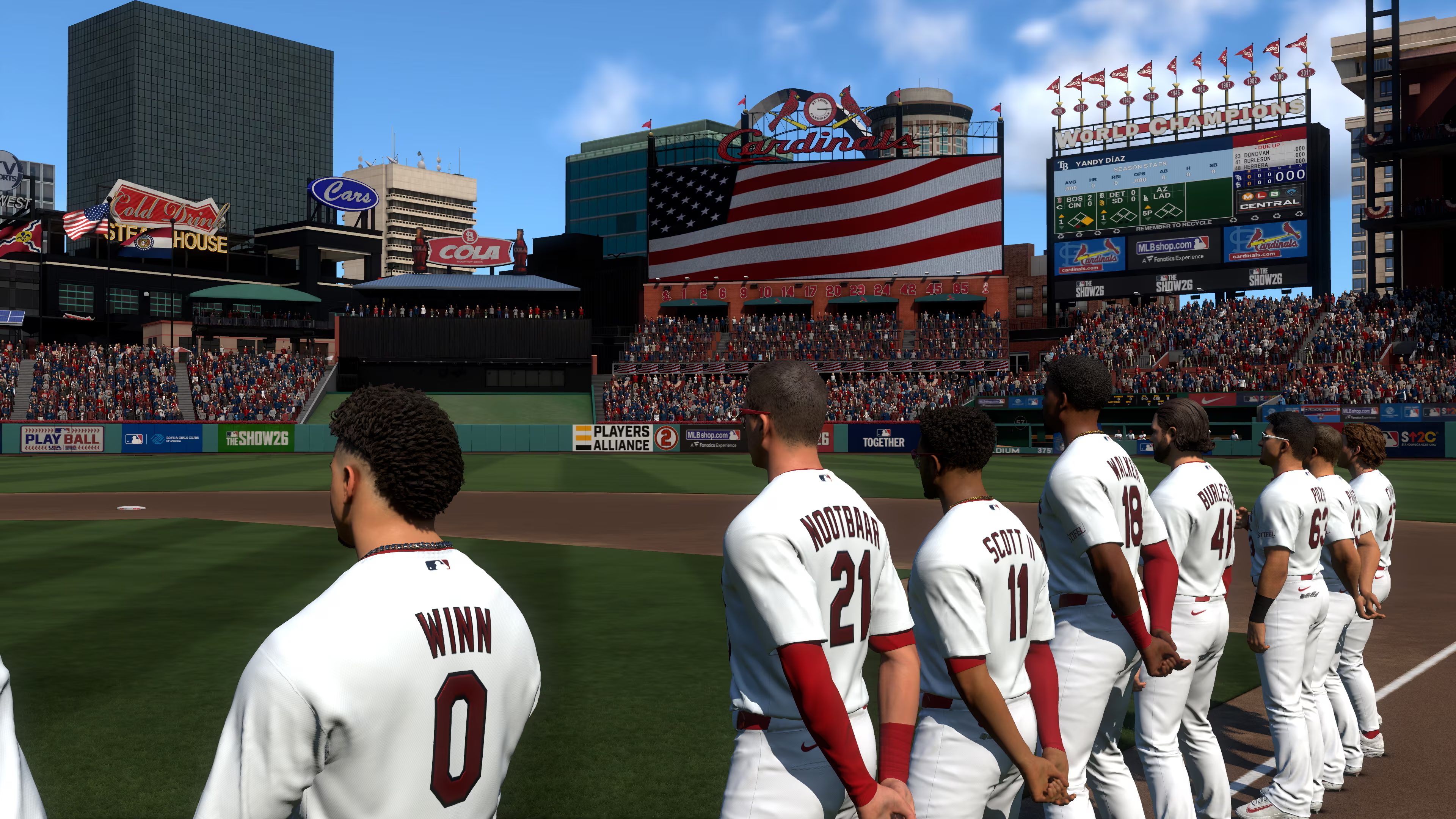
New players can start on Dynamic; it adjusts as you get a feel for the game. Road to the Show players should also start easy: Minors or Rookie, so you can grow into the Majors.
For ranked games, most stick to All-Star or Hall of Fame, while Legend stays for the diehards. Veteran is also great for Franchise, offering a balanced take without big spikes in difficulty. You can always play around with the sliders and tweak as you play and test difficulties.
Dive into difficulty settings anytime. Hop into Practice mode to test what feels right, and tweak until The Show 26 feels like your home field.


Published: Mar 18, 2026 09:56 am